Chapter 9: Subgrid
Back in Chapter 7 (and earlier), we had cards with elements that did not align across each other. For example, we had headlines that wrapped so cards were different lengths.
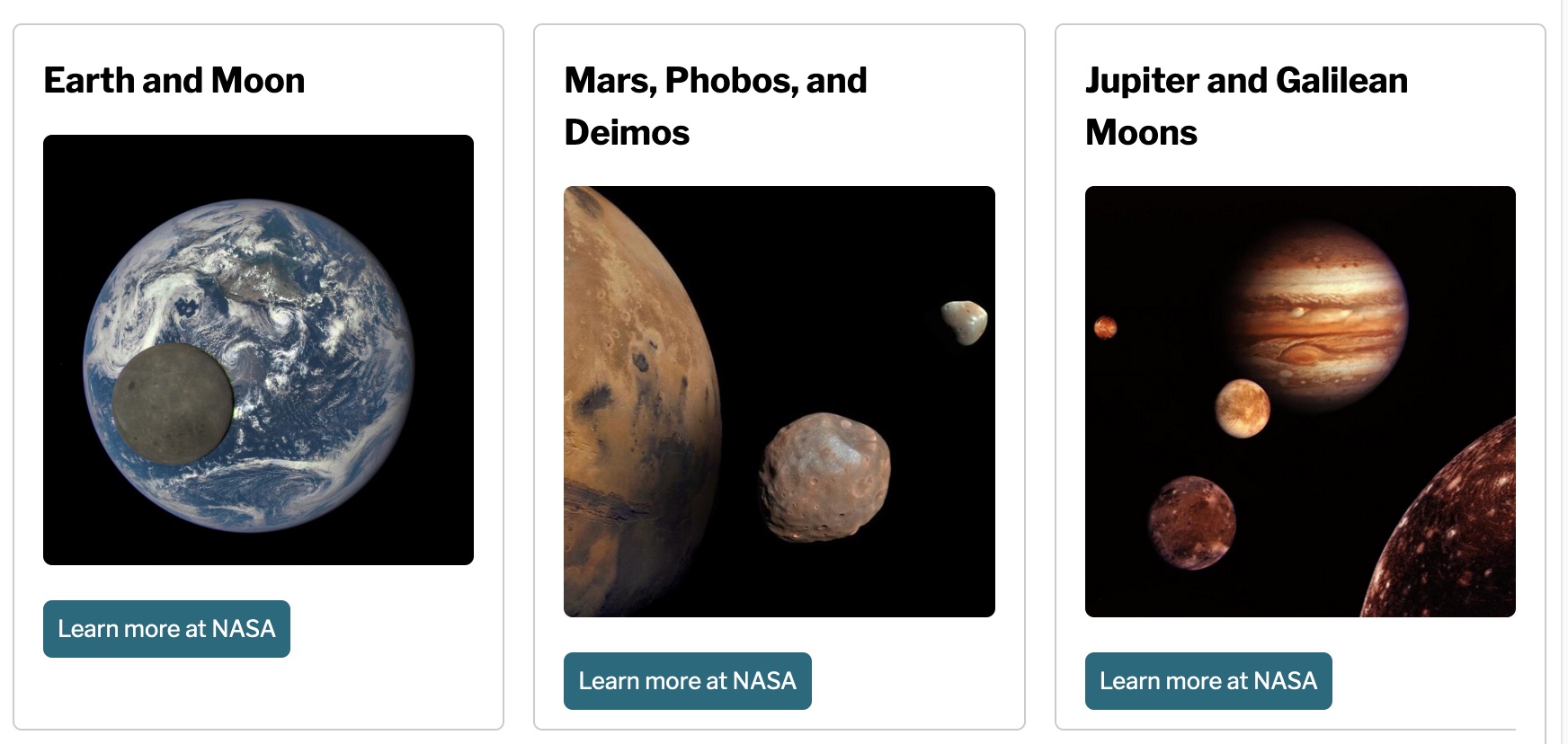
Subgrid is useful for making elements align with their parent grid, in addition to their own grid.
9a: Exploring Subgrid
Here we have a series of cards that have a headline, text, and a button. The first card has more text and an image, while the other cards have varying numbers of words in each one, so they don’t line up horizontally on the page. Is there a way we can make things line up?
Chapter 9b: Fixing headlines and buttons
Let’s revisit work from earlier in the course. We put together this lovely responsive grid, but the headlines and buttons are off on occasion. Can you fix everything? Pay particular attention to the 500 and 700px breakpoints, where the cards are aligned under the initial story. This is where most of the layout issues occur.